No Products in the Cart


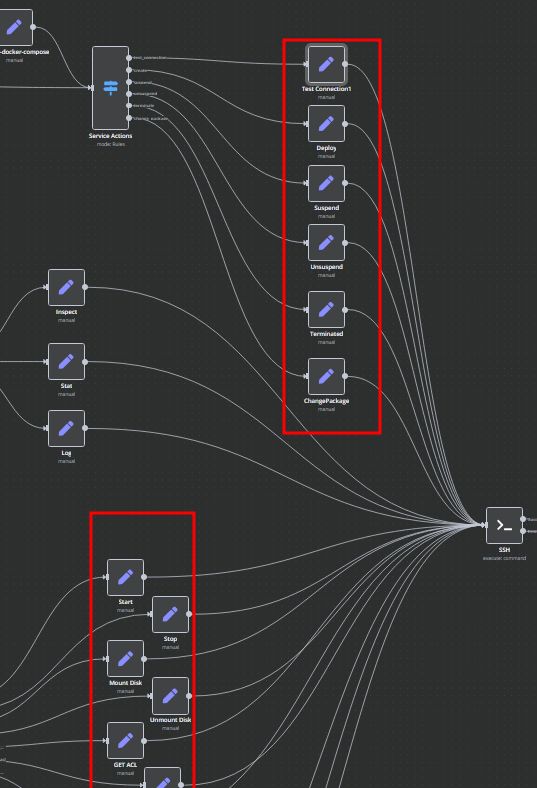
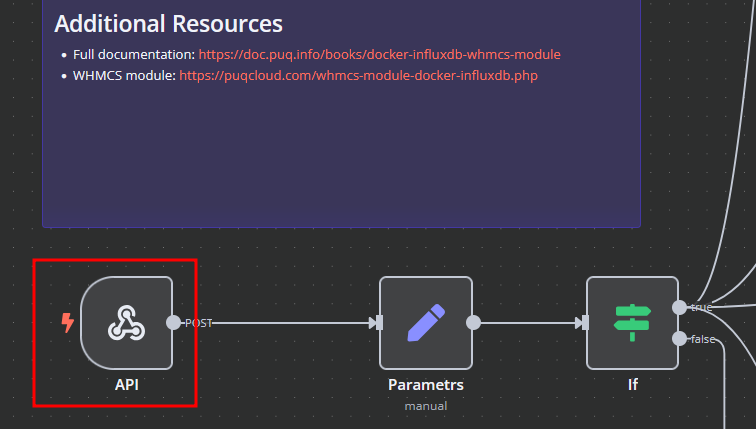
The Docker InfluxDB WHMCS module uses a specially designed workflow for n8n to automate deployment processes. The workflow provides an API interface for the module, receives specific commands, and connects via SSH to a server with Docker installed to perform predefined actions.
You have two options:
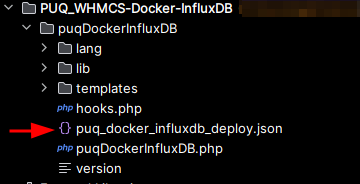
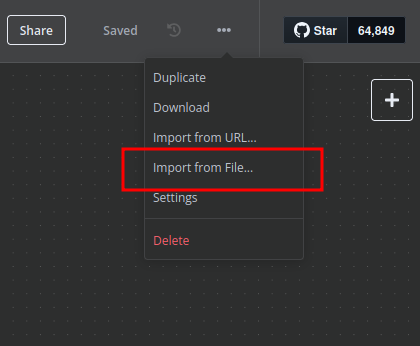
Create a Basic Auth Credential for the Webhook API block in n8n.
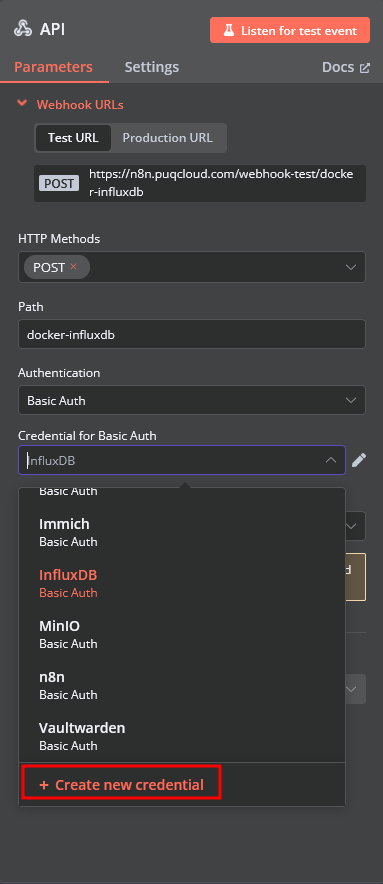
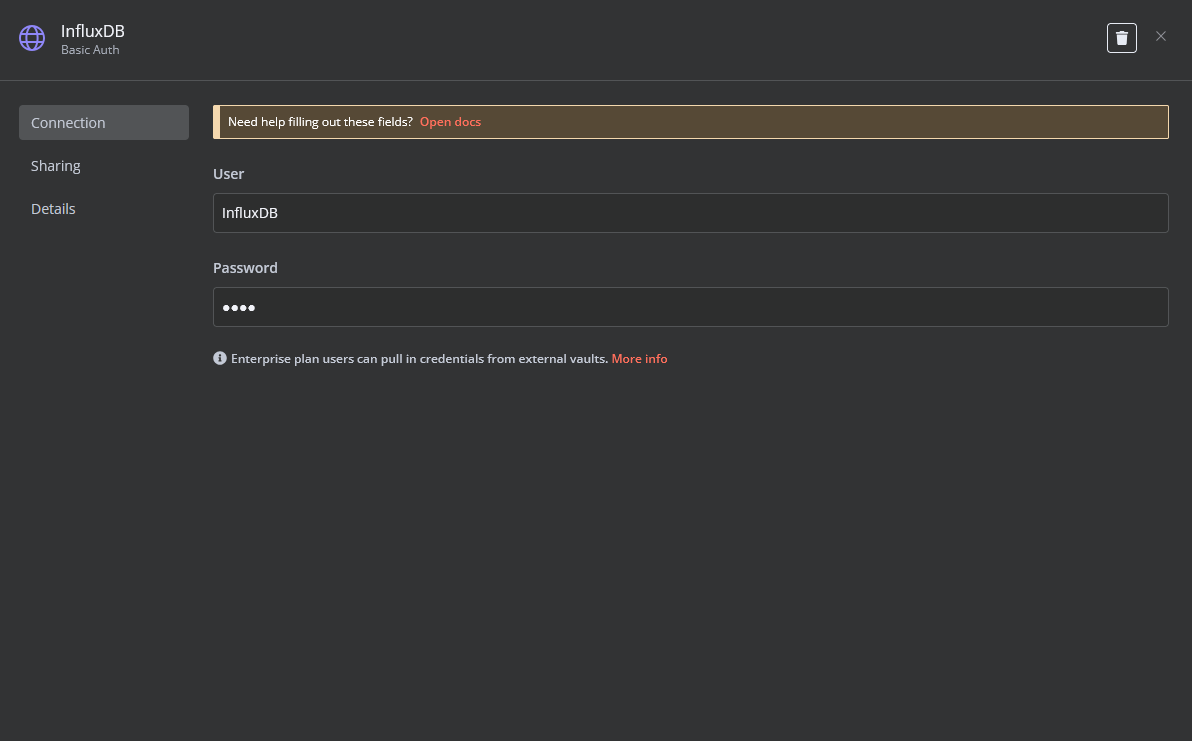
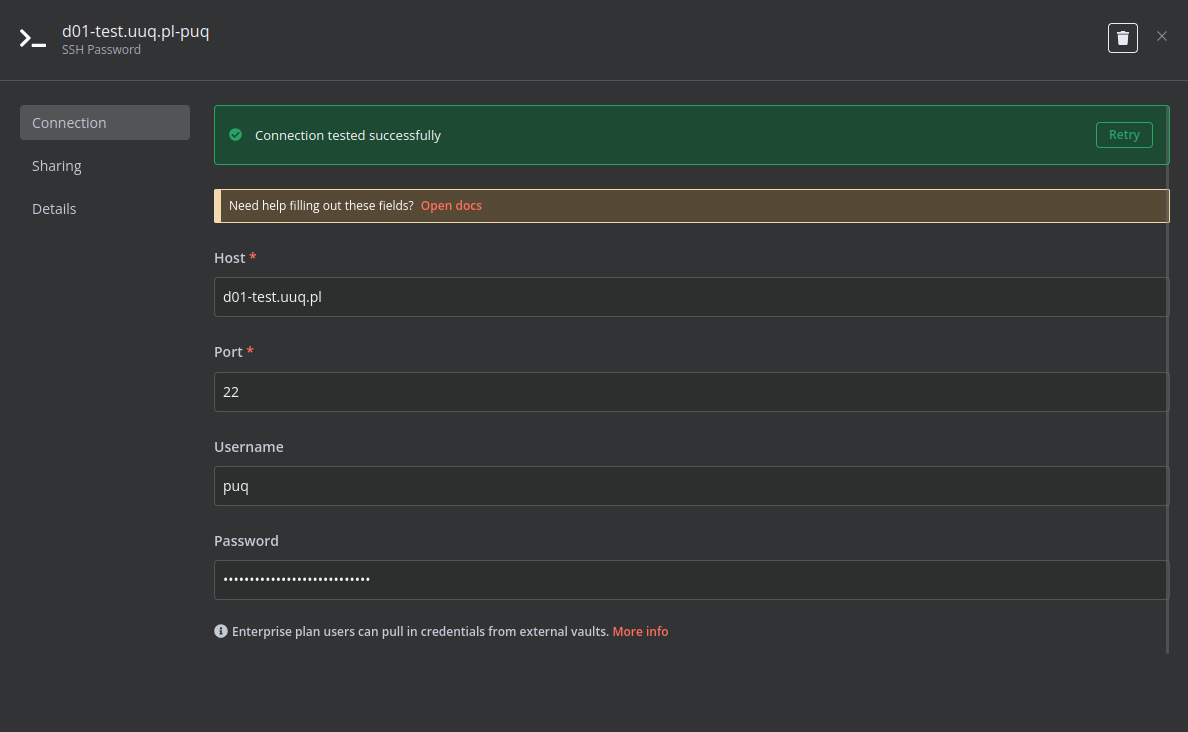
Create an SSH Credential for accessing a server with Docker installed.
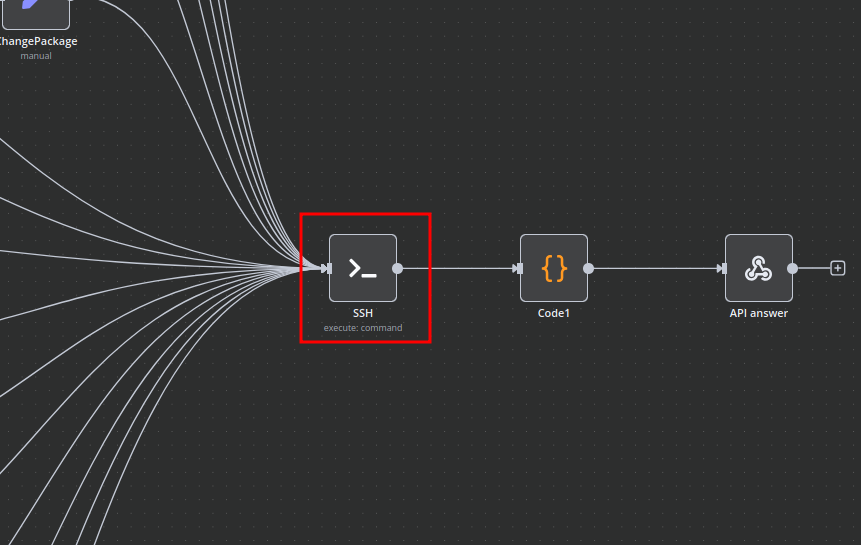
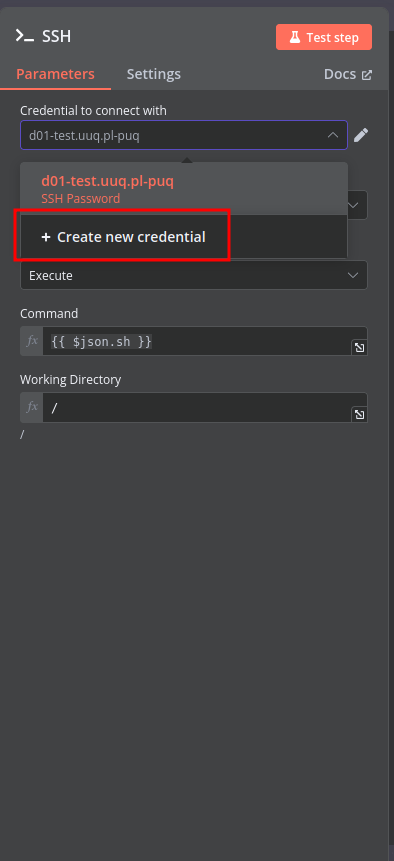
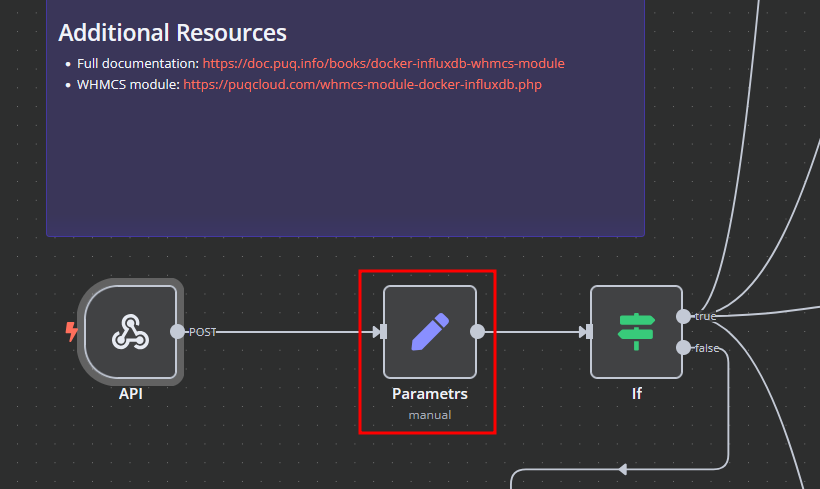
In the Parameters block of the template, update the following settings:
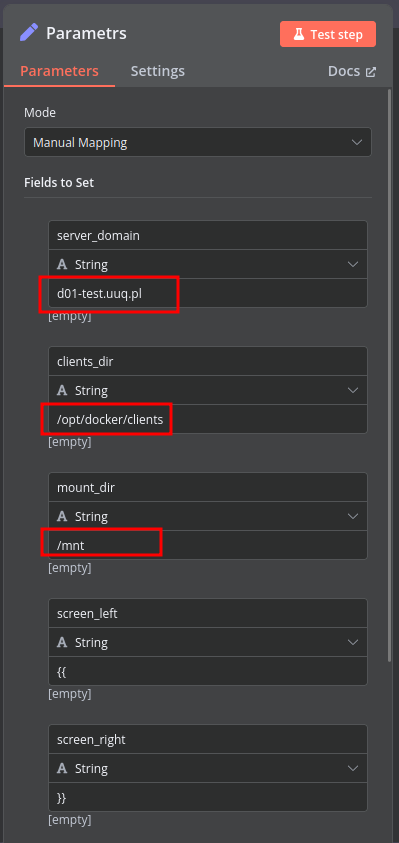
server_domain – Must match the domain of the WHMCS/WISECP Docker server.clients_dir – Directory where user data related to Docker and disks will be stored.mount_dir – Default mount point for the container disk (recommended not to change).Do not modify the following technical parameters:
screen_left
screen_right
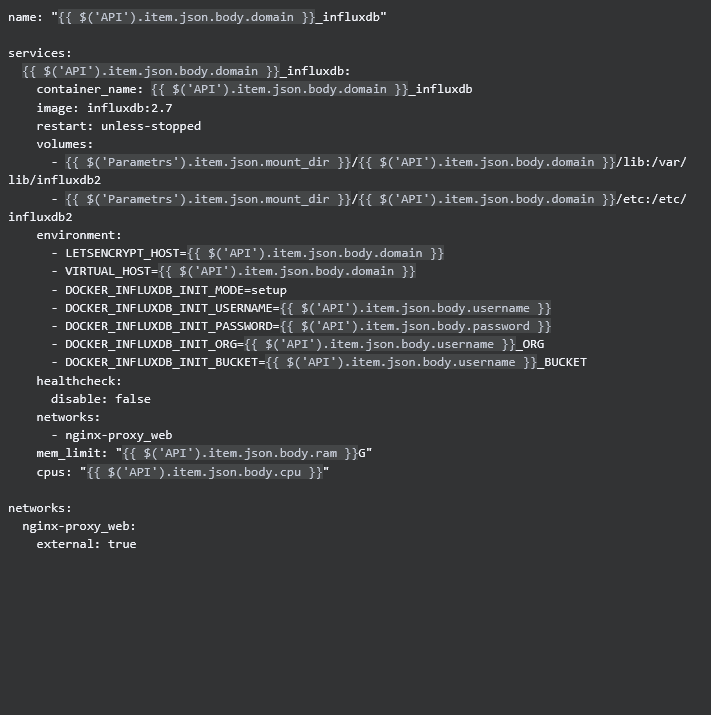
In the Deploy-docker-compose element, you can modify the Docker Compose configuration. This is generated in the following scenarios:
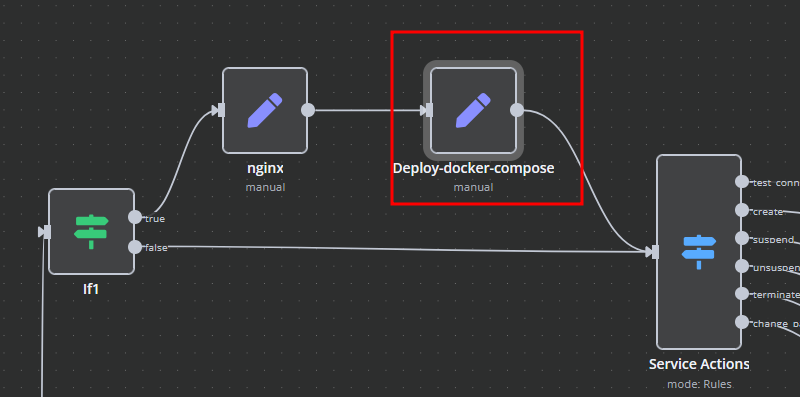
In the nginx element, you can modify configuration parameters of the web interface proxy server.
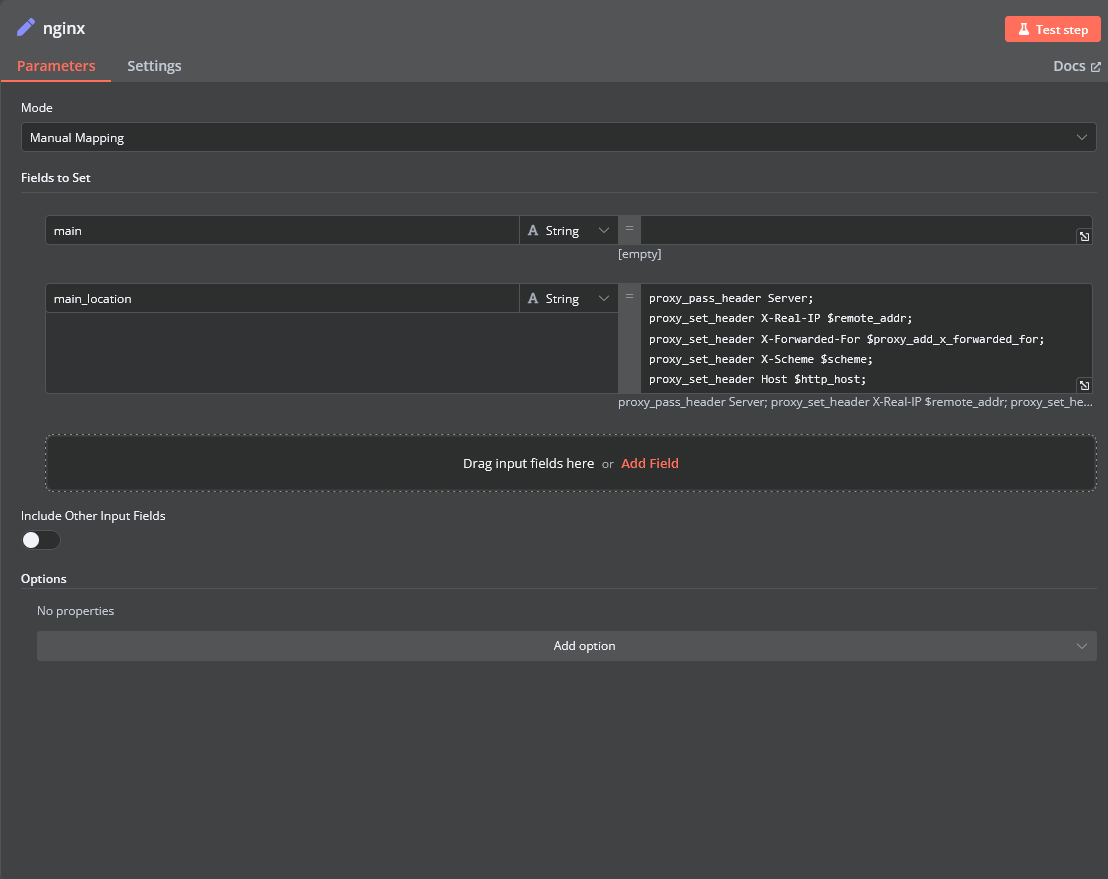
server block in the proxy server configuration file.location / block of the configuration. Here, you can define custom headers and parameters. 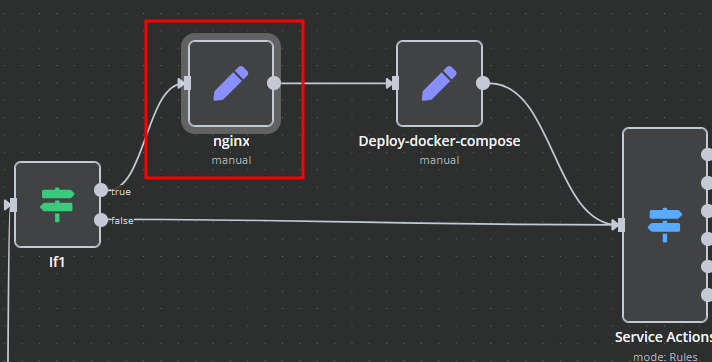
Management of Docker containers and related procedures is done by executing Bash scripts generated in n8n . These scripts return either JSON or plain strings.