No Products in the Cart


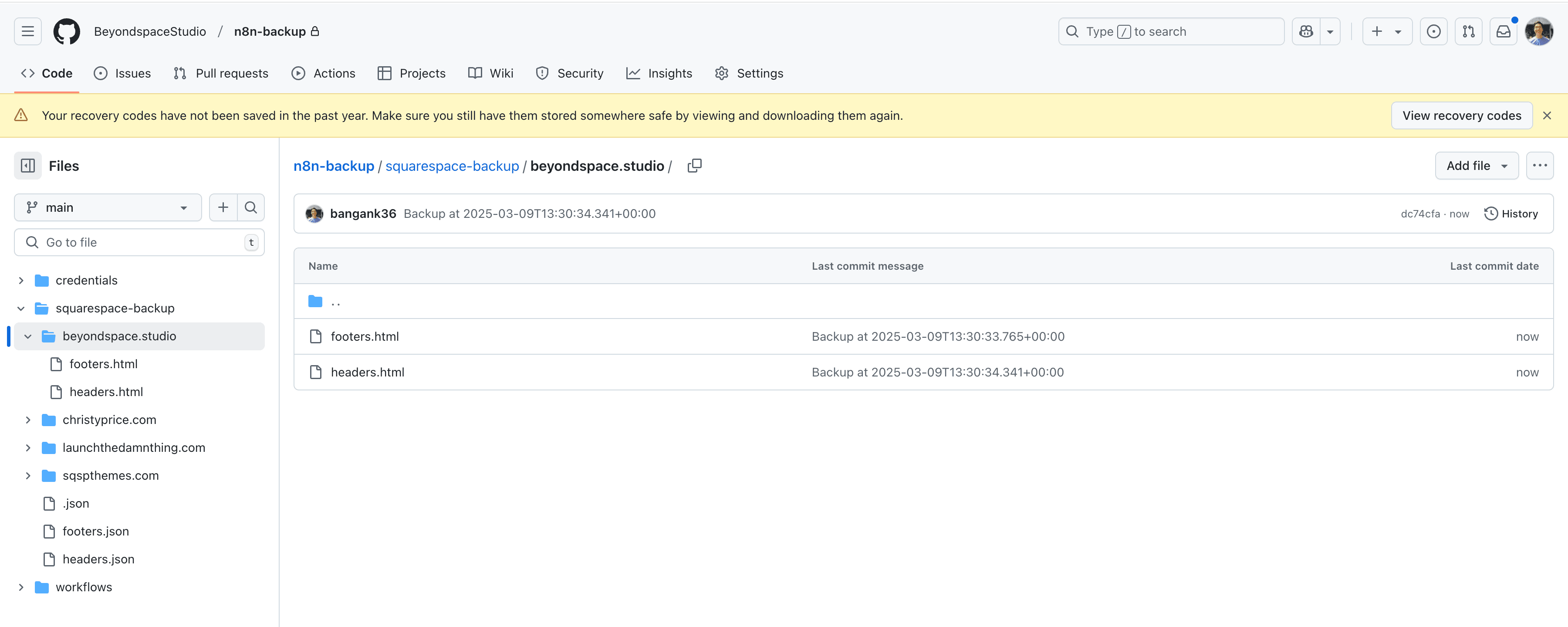
This workflow backup Squarespace website header and footer injections into Github
The Squarespace injections are fetched when an URL is placed
First, edit HTTP Request's URL to put your Squarespace site URL there
Next, to configure the Github, update the Globals node with the following values:
repo.owner – Your GitHub username
repo.name – The name of your GitHub repository storing the workflows
repo.path – The folder path within the repository where workflows are stored
For example, if your GitHub username is john-doe, your repository is named n8n-backups, and injections are stored in a squarespace-backup/ folder, you would set:
Each site's injections will be added into separate folder
GitHub API – Access to your repository
This template is made for Squarespace users who want to backup their header and footer injections at intervals to or on demand
Check out my other templates:
👉 My n8n Templates
