To view the n8n flow demo and copy the JSON you need to purchase our Bundle... don't worry, it's FREE

Go to the BUNDLE

Auto-Send Welcome Messages to Vtiger CRM Leads via Evolution API WhatsApp

One of My Best! Send WhatsApp Greetings to New Vtiger Leads Automatically πŸ’ͺ😍

⚠️ This Workflow Requires a Community Nodes and a Self-Hosted n8n Instance

This template uses two custom community nodes :

  • n8n-nodes-vtiger-crm
  • n8n-nodes-evolution-api
    You must be running self-hosted n8n with Community Nodes enabled .

πŸ”§ How to Install Community Nodes

  1. Go to Settings β†’ Community Nodes
  2. Click Install Node
  3. Add:
 n8n-nodes-vtiger-crm
 n8n-nodes-evolution-api
  1. Restart n8n if prompted.

πŸ’¬ Auto-Send WhatsApp Welcome Messages to New Leads in Vtiger CRM

Overview

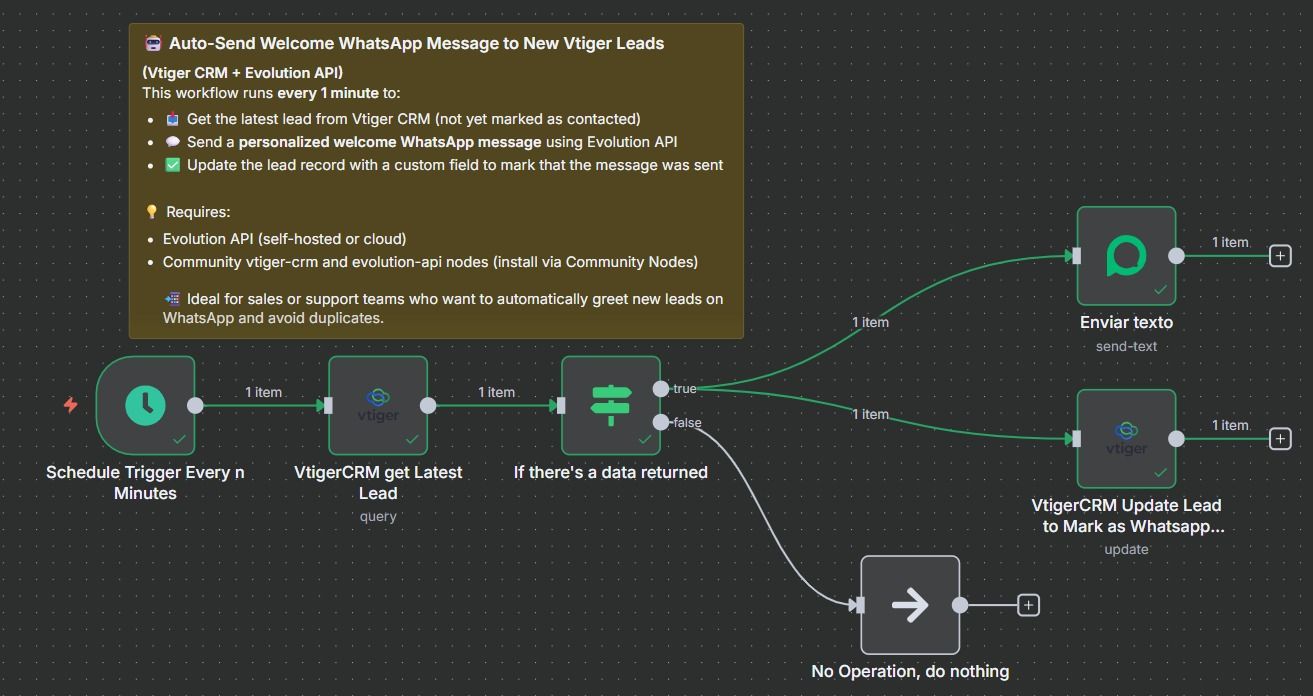
This workflow sends a personalized WhatsApp welcome message to newly created leads in Vtiger CRM β€” using Evolution API β€” and updates the CRM record to ensure the message isn't sent again.

It's ideal for teams that want to greet new leads instantly , reduce manual effort, and automate the first touchpoint of the sales process.


πŸ”„ What This Workflow Does

  • ⏱ Runs every 1 minute via schedule trigger
  • πŸ“₯ Fetches the latest uncontacted lead from Vtiger ( cf_1090 != 1 )
  • πŸ’¬ Sends a personalized WhatsApp message using Evolution API
  • βœ… Marks the lead as β€œmessaged” by updating a custom field

πŸ“Έ Visual Preview

🧩 Workflow Canvas

workflowwhatsapp.jpeg

Full layout of the automation flow in n8n
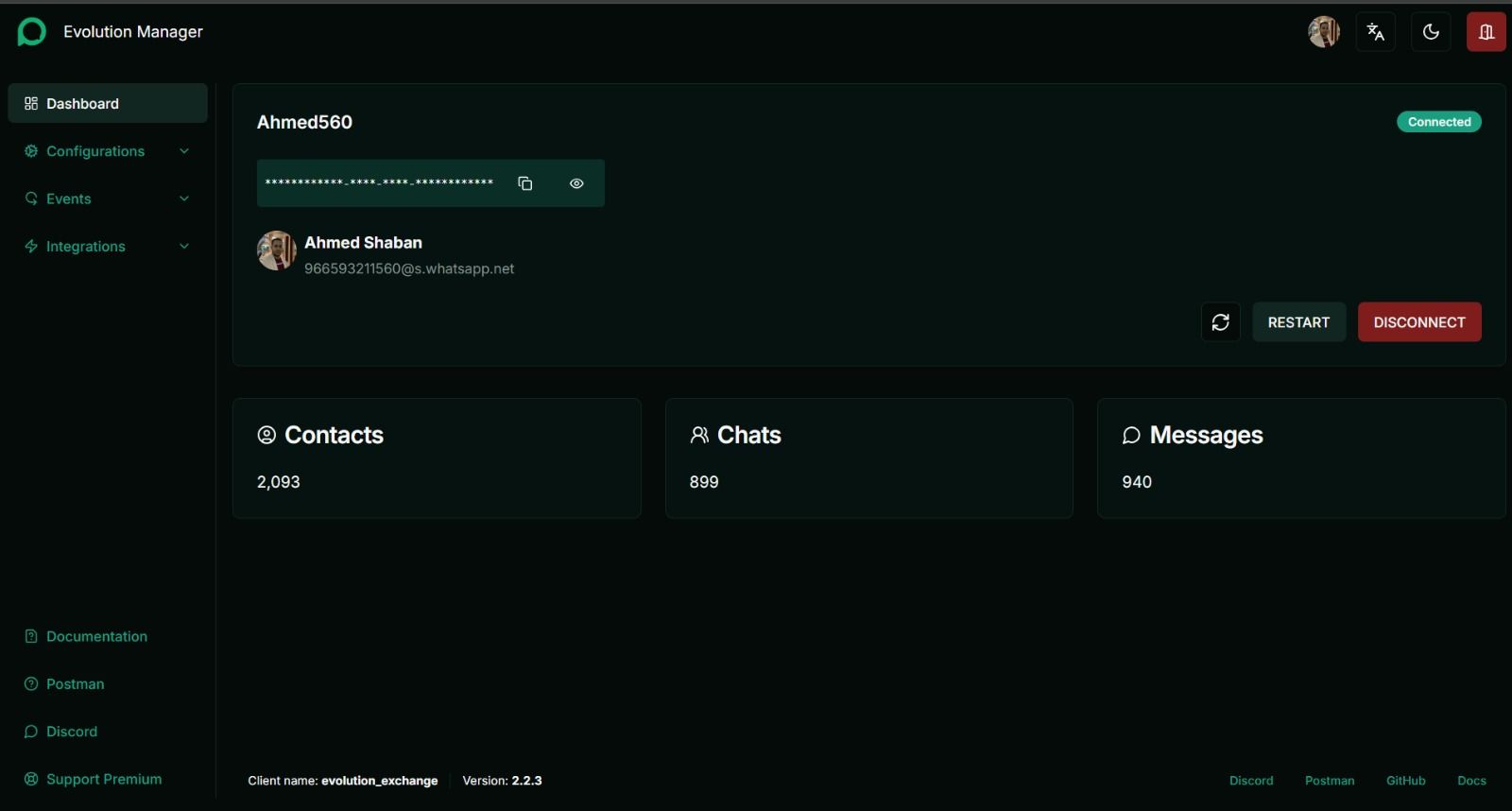
πŸ’¬ Evolution API Server

EvolutionAPI server.jpeg

Example of the greeting message the lead receives:

 Hi Ahmed Saadawi 😊,

 We have received your interest with our services and we will contact you soon.

 Have a nice day πŸ™πŸ’

πŸ› οΈ Setup Instructions

1. Vtiger CRM Setup

  • Add a custom field (eg cf_1090 ) to track if a message was already sent

  • Ensure lead records contain:

    • firstname , lastname , phone
  • Connect your Vtiger CRM API credentials

2. Evolution API Setup

  • Install or connect to your Evolution API instance

  • Configure:

    • instanceName
    • remoteJid (from Vtiger lead phone)
    • Message template (edit as needed)
  • Add your Evolution API credentials

3. Customize Message

Edit the message in the Evolution node to match your brand's tone.


πŸ‘₯ Who Is This For?

  • Sales teams needing instant CRM-to-WhatsApp follow-ups
  • Companies automating first contact with leads
  • Vtiger CRM users looking for WhatsApp engagement tools

πŸ” Credentials Required

  • βœ… Vtiger CRM API
  • βœ… Evolution API (self-hosted or SaaS)

🏷 Tags

 vtiger, whatsapp automation, evolution api, crm follow-up, sales automation, welcome message,
 crm whatsapp integration, lead onboarding, no-code automation, n8n template, self-hosted n8n,
 vtiger crm automation, community nodes, whatsapp message workflow
Do you want to automate your business?

Let's talk about your project